
Pickcolorsfromyourscreeninseconds

Peeler is a lightweight open-source macOS app for color picking and palette extraction.

Download for macOSOR
curl -fsSL https://peeler.anants.studio/install.sh | sh

Since Peeler is not notarized, macOS may block it on first launch. To fix this, run:

xattr -rd com.apple.quarantine /Applications/Peeler.app

Extract colors from
any region on screen.

Palette Extraction

Extract colors

Capture any region on screen and extract dominant colors.

Smart balancing

Peeler automatically creates a balanced, harmonious palette.

One-click export

Export to CSS, Tailwind, SwiftUI, or your favorite format.

Save & reuse

Keep palettes for later comparison or reference.
Keep your best color
decisions close.

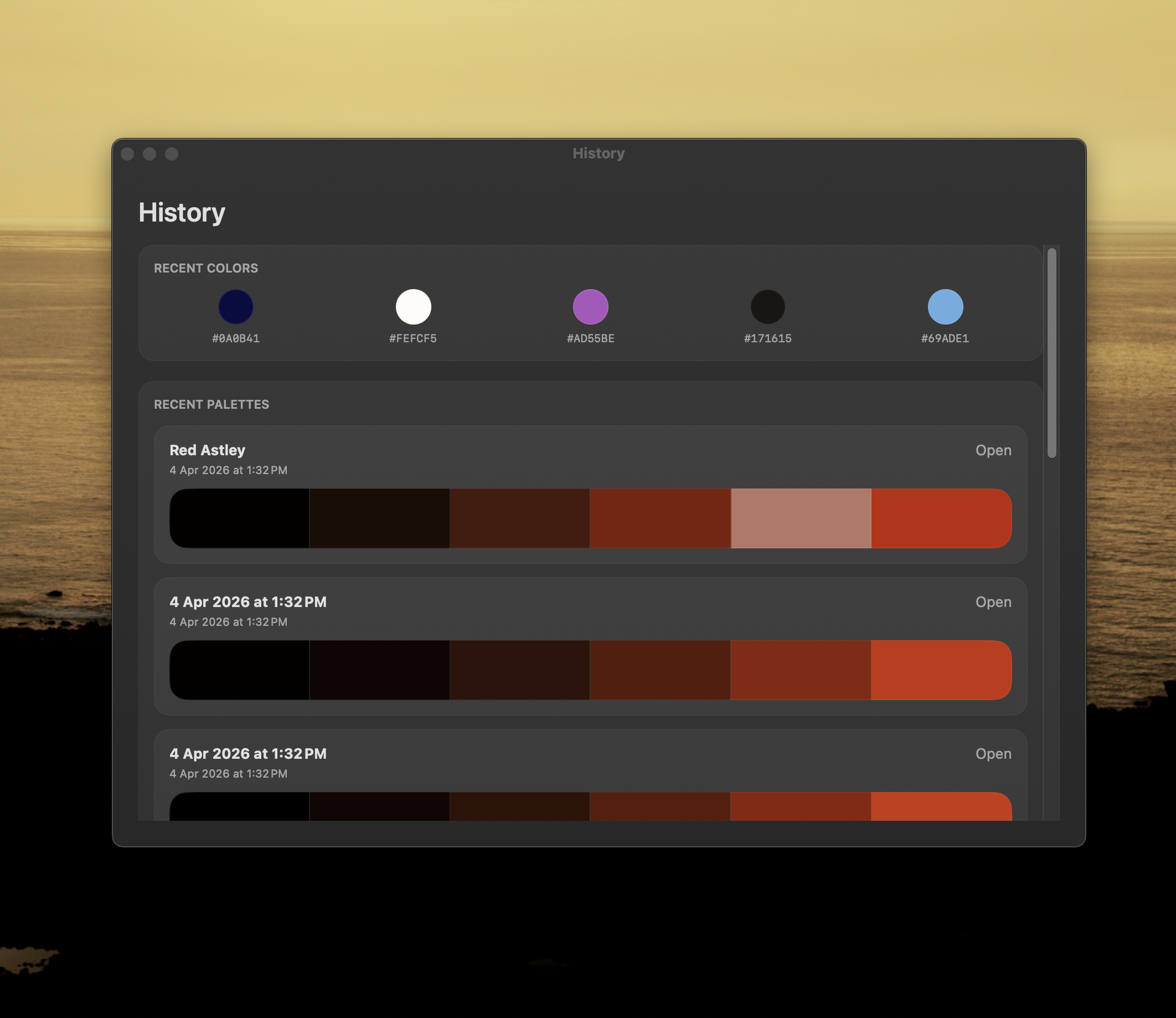
Color history showing captured colors

History

Recent picks

Re-copy the last colors you captured without sampling again.

Format recall

Jump back into HEX, RGB, OKLCH, SwiftUI, or whatever you used last.

Visual trace

Keep a running trail of the shades you tested while iterating.

Fast comparison

Check nearby picks side by side before committing to a final tone.

Build your own color
library over time.

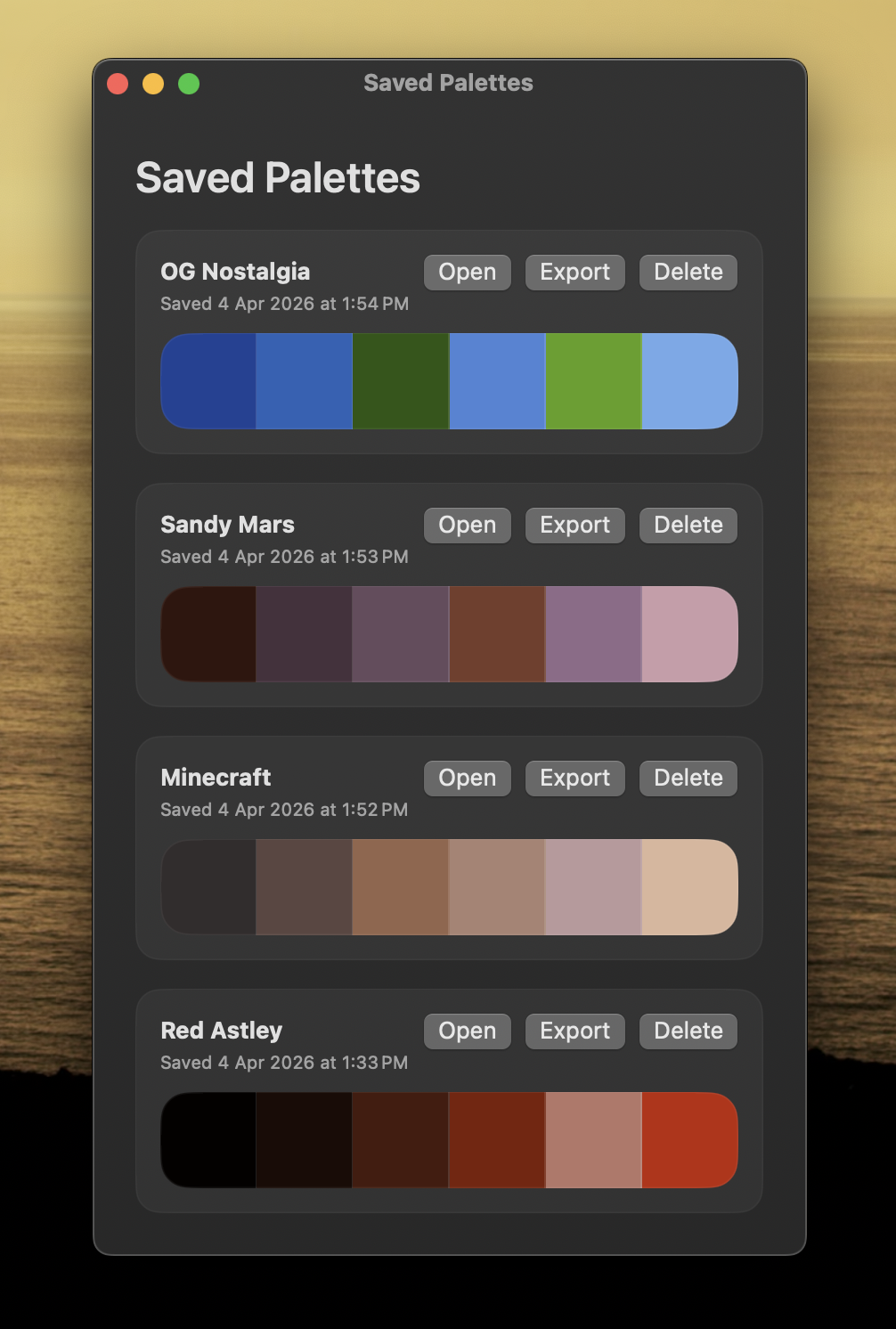
Saved palettes.

Named collections

Save grouped colors as reusable palettes instead of loose one-off picks.

Project sets

Separate client work, explorations, and brand systems cleanly.

Export-ready groups

Keep palettes ready for CSS variables, Tailwind tokens, or design handoff.

Reliable reuse

Come back to proven color sets without rebuilding them from scratch.

Saved palettes showing color collections